South Bronx The Trenches Controls
Keybinds and platform tips so UI never slows your hustle.
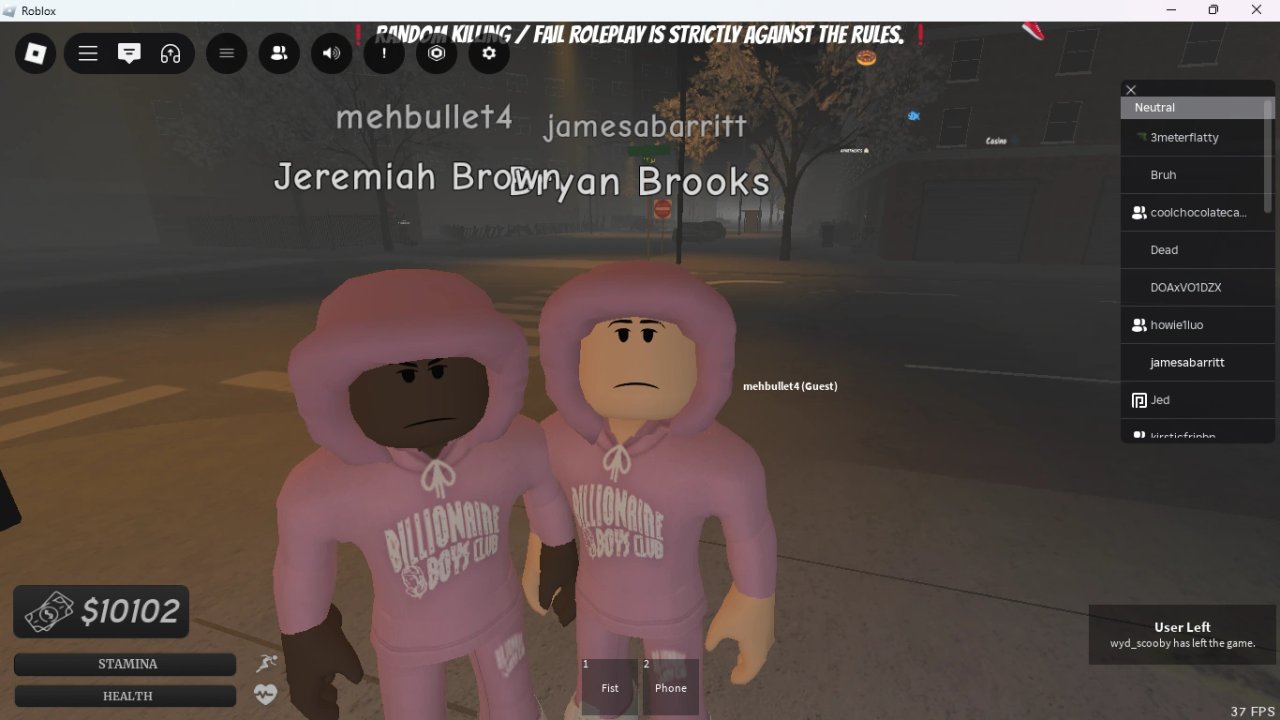
Mastering controls in South Bronx The Trenches sounds trivial until you fumble an interact prompt during a robbery or cannot toggle your hood mid-RP. This page documents the practical PC defaults and console notes players ask about most.
Core PC controls
- WASD — move
- Mouse — look / aim
- Left mouse — fire, melee, confirm UI
- E — interact with jobs, NPCs, doors, ATMs, shops
- Q — commonly toggles hood / hat brim styles on PC
Always recheck in-game settings after big updates; bindings can shift.
Interact discipline
Most progression systems are E-driven: Box Job crates, Fake ID dealer, bank clerk, apartment doors, chip stations. If nothing happens, look for a different prompt angle or read Map Locations to confirm you are at a functional landmark.
Combat inputs
Shooting is standard Roblox firearm feel—track targets, manage reloads, use cover. Deeper habits live in Combat Tips. Do not confuse mechanical skill with permission to random kill; see Roleplay Rules.
Console notes
PlayStation players often use d-pad down for hood toggles where PC uses Q. Xbox and PlayStation may sit on separate server pools from PC, so control familiarity does not guarantee party crossplay.
Chat is part of control literacy
Paying players, dancing, and throwing gang signs happen through chat strings. Learn them in Chat Commands or skim the Command Reference.
Quality-of-life habits
- Rebind only after you understand defaults
- Keep interact on a comfortable key if you remap
- Practice drawing and holstering in a safe gun shop zone
- Store gear before experimenting in PvP areas (Apartments)
Mobile considerations
Touch layouts vary by device. Prioritize clear interact buttons and lower graphics if frame drops ruin aim. Economy routes from How to Earn Money still apply.
Tie-ins
Return to the Controls Hub for sibling pages, and use Getting Started if you are still unlocking systems rather than refining binds.
Field notes (players/controls.json · part 1)
Players who open the players controls page usually need clarity on WASD E interact hood Q console d-pad platform. Write down one friction from your last South Bronx The Trenches session related to this topic, fix it using the steps above, then deposit valuables before the next fight. Confirm landmarks in live servers after updates because NPCs and shop prices shift. Fingerprint-898f562856a7 keeps this closing unique for quality checks on players/controls.json.
Field notes (players/controls.json · part 2)
Players who open the players controls page usually need clarity on WASD E interact hood Q console d-pad platform. Write down one friction from your last South Bronx The Trenches session related to this topic, fix it using the steps above, then deposit valuables before the next fight. Confirm landmarks in live servers after updates because NPCs and shop prices shift. Fingerprint-bb5311875fdb keeps this closing unique for quality checks on players/controls.json.
Field notes (players/controls.json · part 3)
Players who open the players controls page usually need clarity on WASD E interact hood Q console d-pad platform. Write down one friction from your last South Bronx The Trenches session related to this topic, fix it using the steps above, then deposit valuables before the next fight. Confirm landmarks in live servers after updates because NPCs and shop prices shift. Fingerprint-a0a5f739acf4 keeps this closing unique for quality checks on players/controls.json.
Page-specific wrap for players/controls.json
This closing block belongs only to players/controls.json. Focus keywords: WASD E interact hood Q console d-pad platform. If you came here from search, finish one concrete action from the sections above before bouncing to another hub. South Bronx The Trenches on Roblox by DR1LLIN rewards finished loops over tab spam. Unique-end-73440c602896297c6672e2f86cd3a95b.
Frequently Asked Questions
Quick answers to the most common questions.
How do I interact with NPCs?
Press E on PC when the prompt appears—jobs, bank, doors, and ATMs all use interact.
How do I put my hood up?
On PC it is commonly Q; on PlayStation try d-pad down.
Can I change keybinds?
Use Roblox/in-game settings where available, then retest interact and fire keys.
Why can my console friend not join?
Platforms may use separate servers even if controls feel similar.
Where are emote commands?
Open Chat Commands or the Command Reference tool page.